multivitamin
21st Century
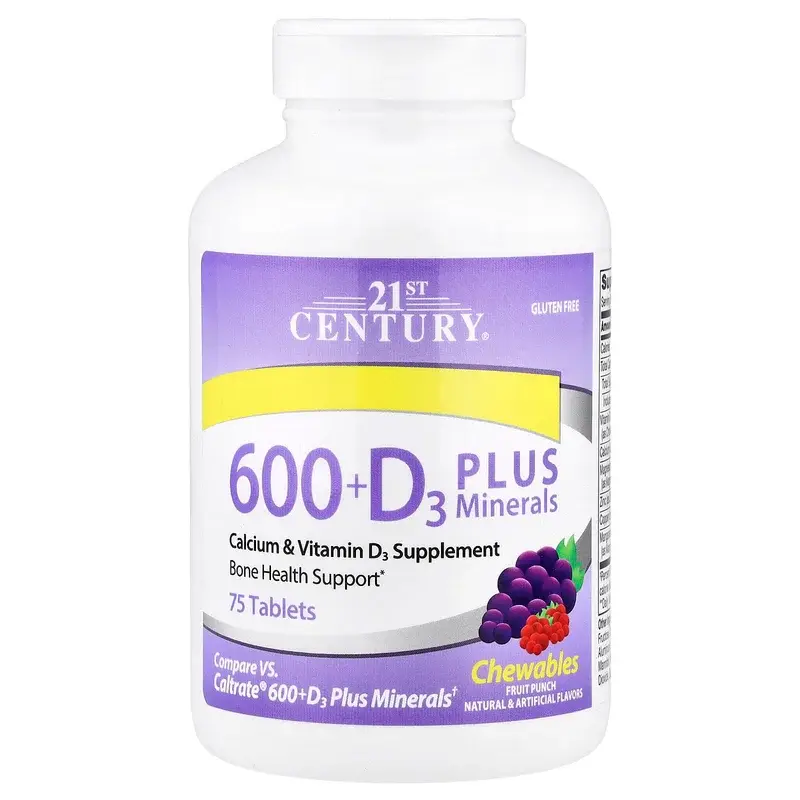
21st Century, 600 + D3 Plus Minerals, Fruit Punch, 75 Tablets
Bottle
$10
Serving
$0.13
Tablet per serving
1
Active
4 NUTRIENTS

Side-by-side facts—price per serving, potency, serving size—in the same category so you can compare supplements without a single “best for everyone” score.
Sorted by name
23227 products· Page 1 of 1936
21st Century
Bottle
$10
Serving
$0.13
Tablet per serving
1
Active
4 NUTRIENTS
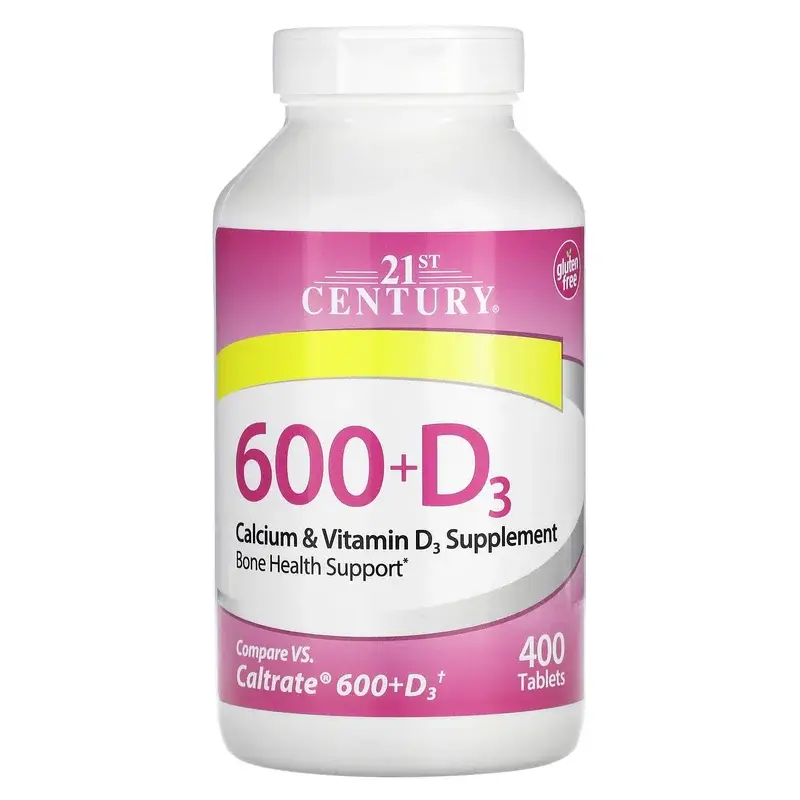
21st Century
Bottle
$14
Serving
$0.04
Tablet per serving
1
Active
20 MCG
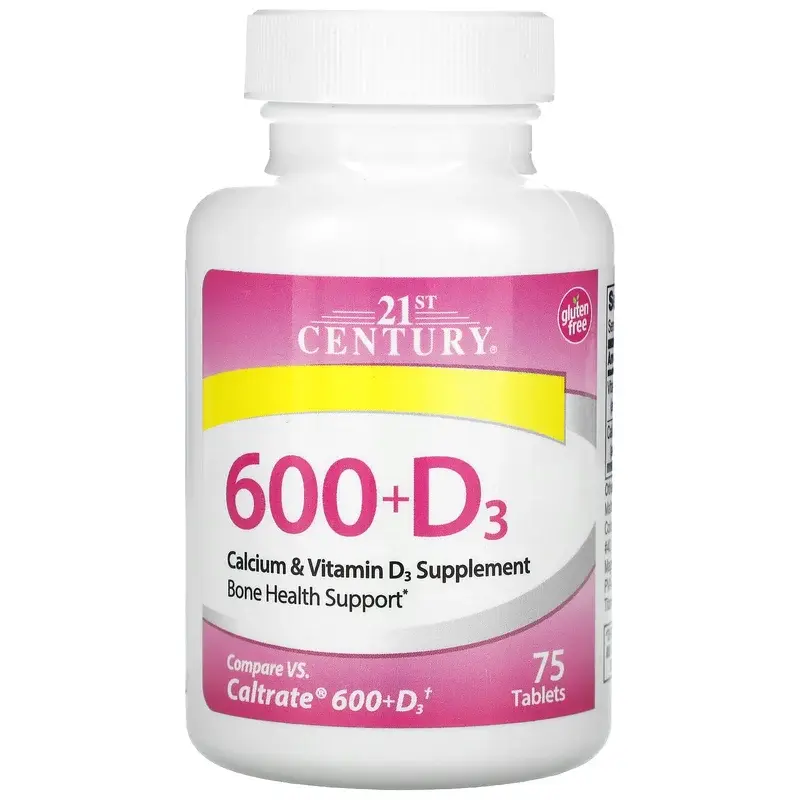
21st Century
Bottle
$5
Serving
$0.07
Tablet per serving
1
Active
20 MCG
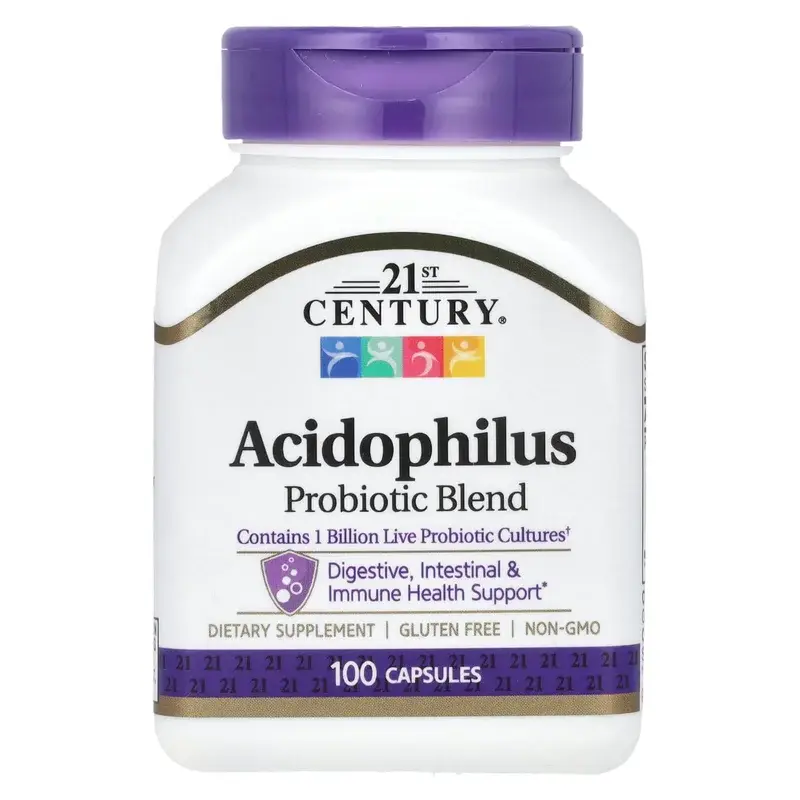
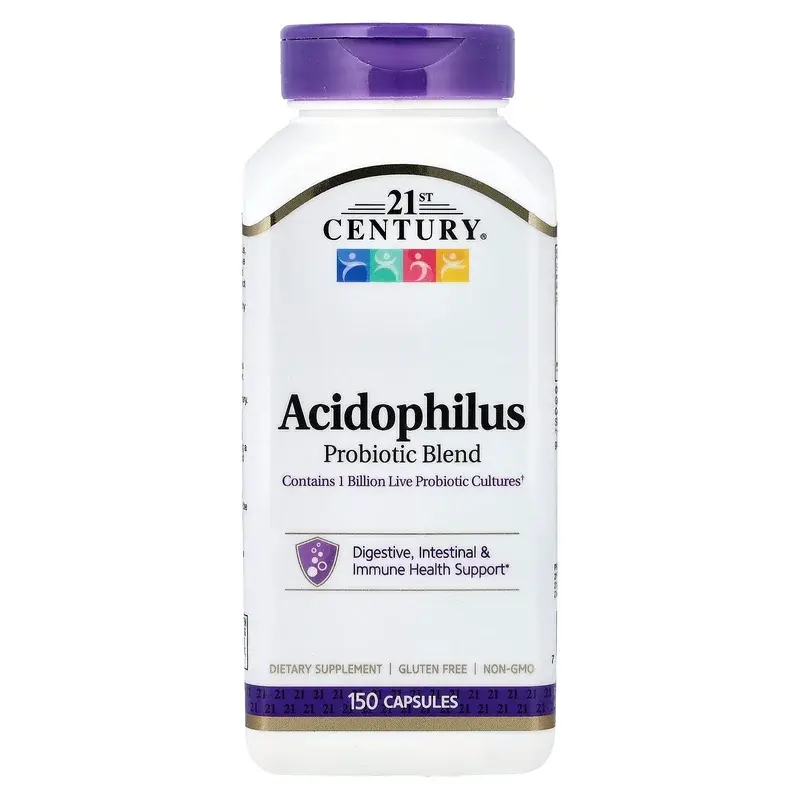
21st Century
Bottle
$9
Serving
$0.09
Capsule per serving
1
Active
1 BILLION CFU
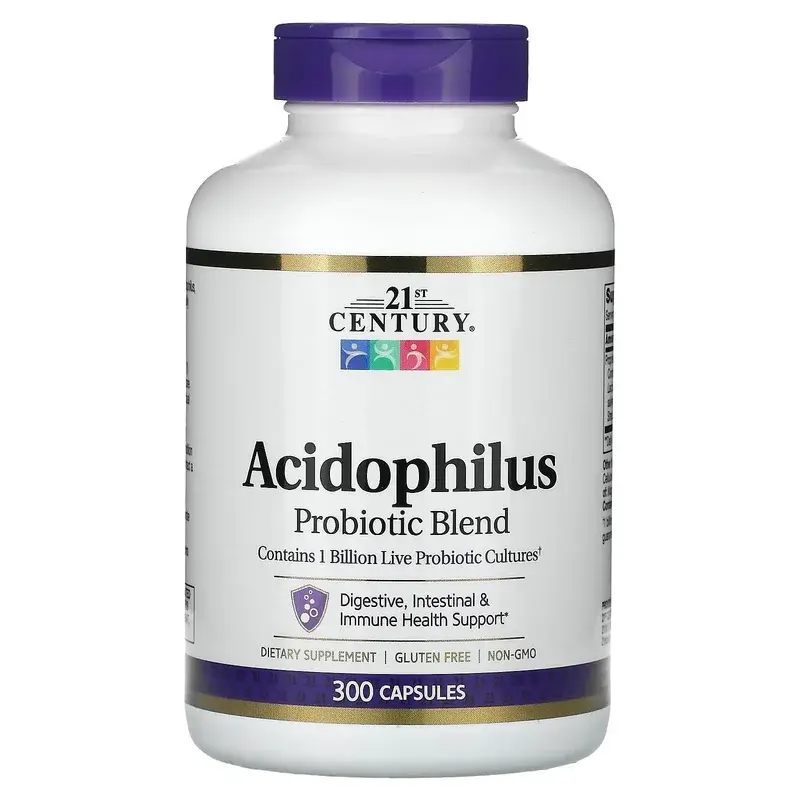
21st Century
Bottle
$12
Serving
$0.08
Capsule per serving
1
Active
1 BILLION CFU
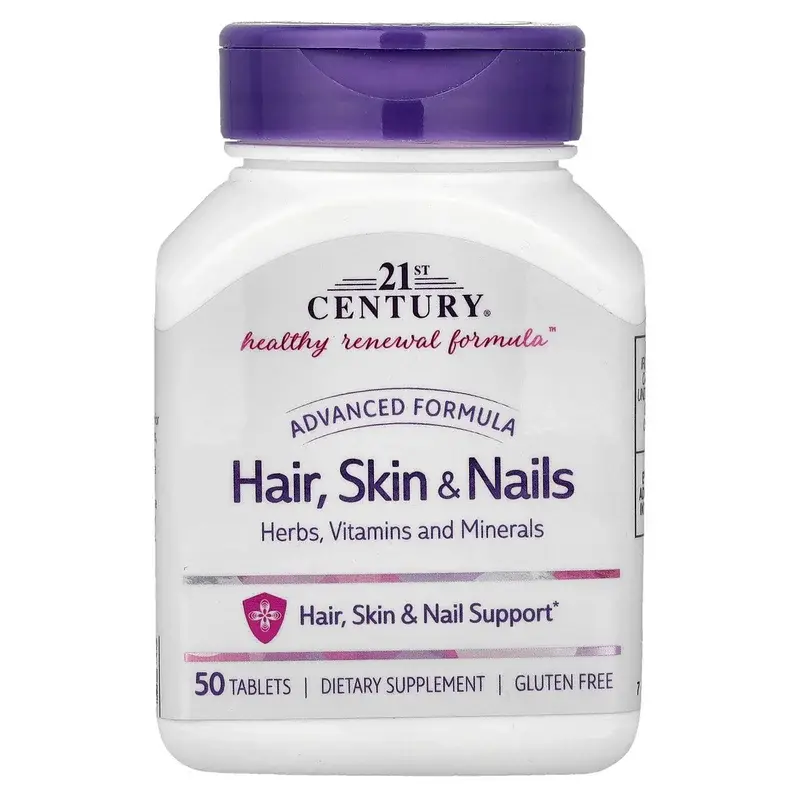
21st Century
Bottle
$23
Serving
$0.08
Capsule per serving
1
Active
1 BILLION CFU
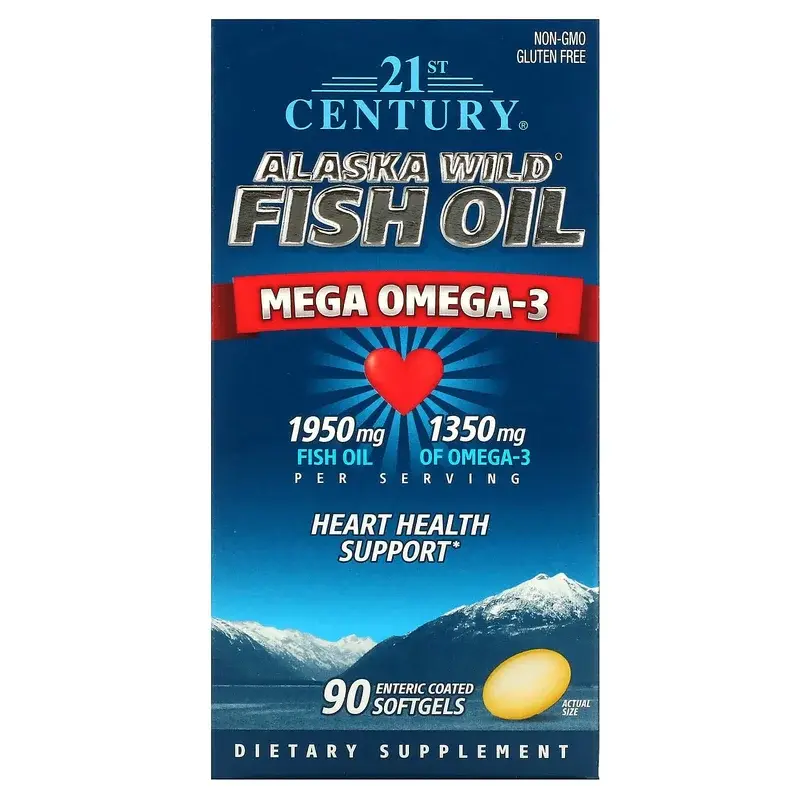
21st Century
Bottle
$7
Serving
$0.15
Tablet per serving
1
Active
25 NUTRIENTS
21st Century
Bottle
$17
Serving
$0.57
Softgels per serving
3
Active
1350 MG EPA+DHA
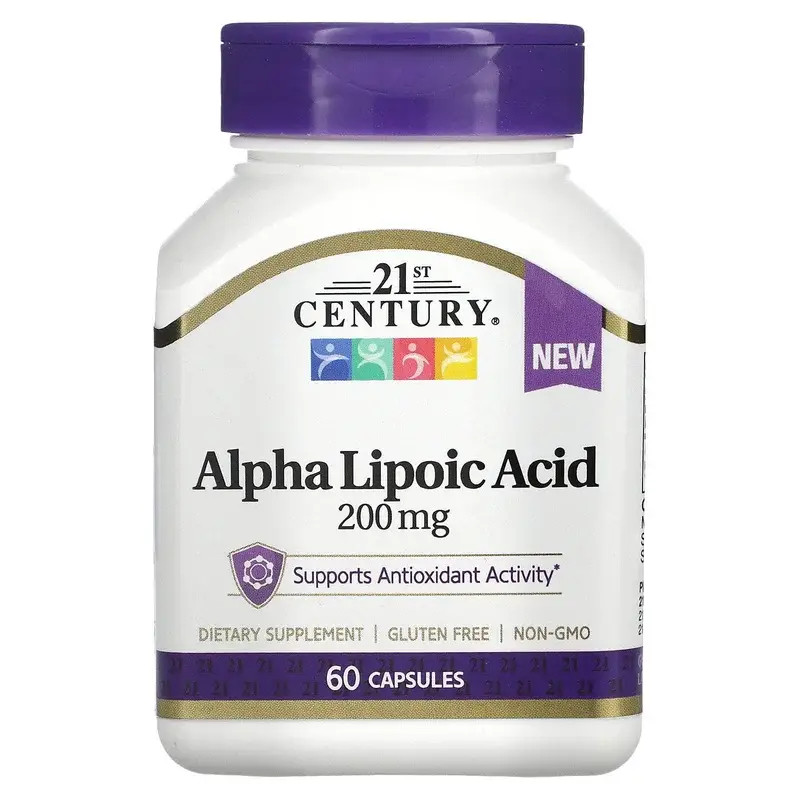
21st Century
Bottle
$15
Serving
$0.22
Capsule per serving
1
Active
200 MG
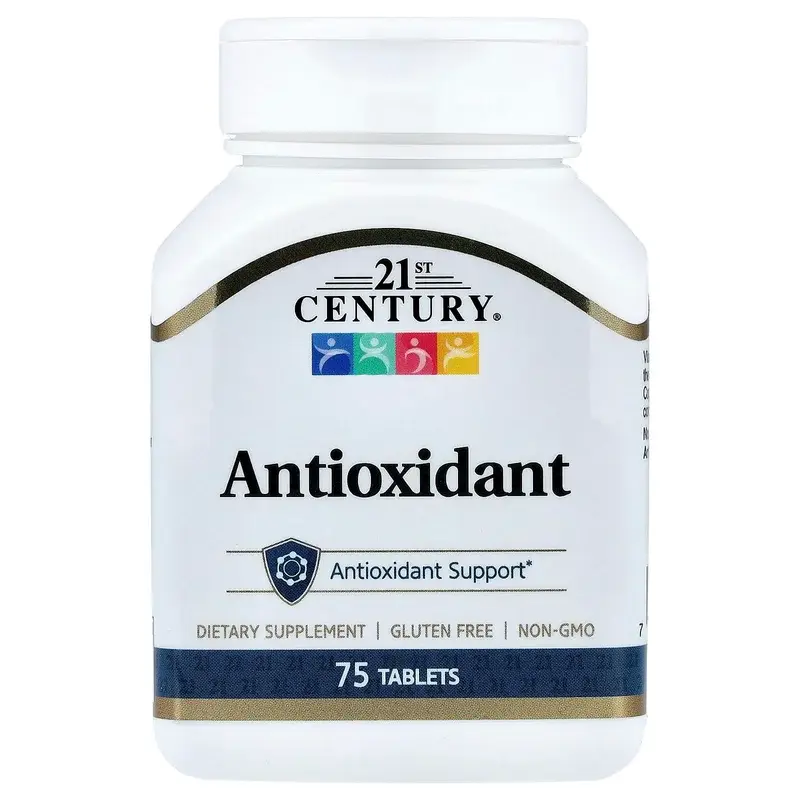
21st Century
Bottle
$8
Serving
$0.11
Tablet per serving
1
Active
6 NUTRIENTS
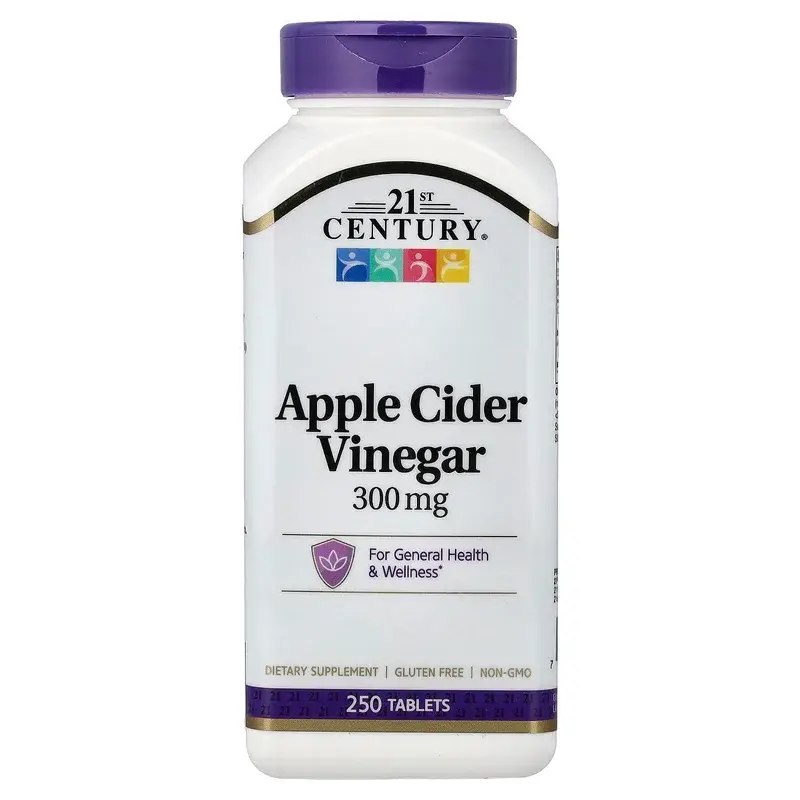
21st Century
Bottle
$8
Serving
$0.03
Tablet per serving
1
Active
115 MG
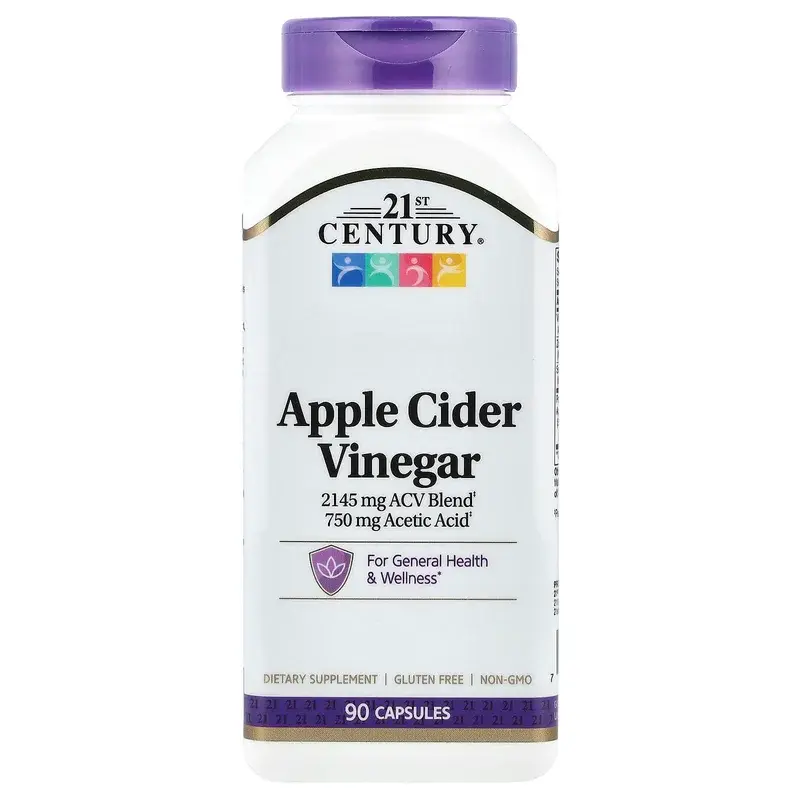
21st Century
Bottle
$15
Serving
$0.42
Capsules per serving
3
Active
30 MCG
How SuppFindr helps you compare supplements in plain language.
We use cookies to enhance your browsing experience, serve personalized content, and analyze our traffic. By clicking "Accept All", you consent to our use of cookies. Read our Privacy Policy.